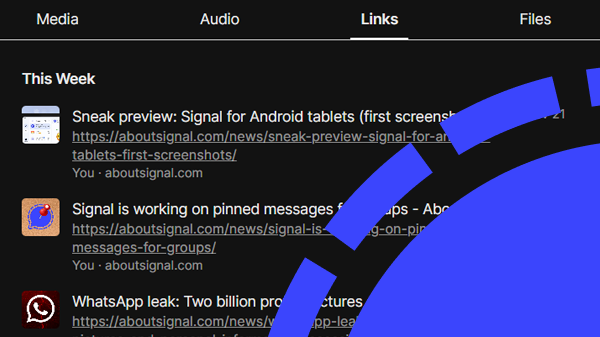
Do you use Signal on Android or Desktop? Then there’s a good chance you recently received a message from Signal. This chat is authentic and is the only official Signal chat.
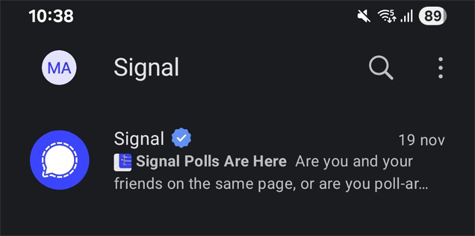
To announce new features, Signal uses its own chat channel, known as the Release Note Channel. In recent weeks, Signal has sent a message here about the new Polls feature.
You can’t reply in this special Signal chat. If you don’t want to receive updates about new Signal features, you can block this chat. If you do want to stay informed but prefer not to receive notifications, you can mute it.
The Release Note Channel is currently only available on Android and Signal Desktop. iPhone users who also use Signal Desktop will therefore only see this chat in their Desktop chat list, and not on their iPhone. The chat does not sync across devices.
How to recognize the official Signal chat
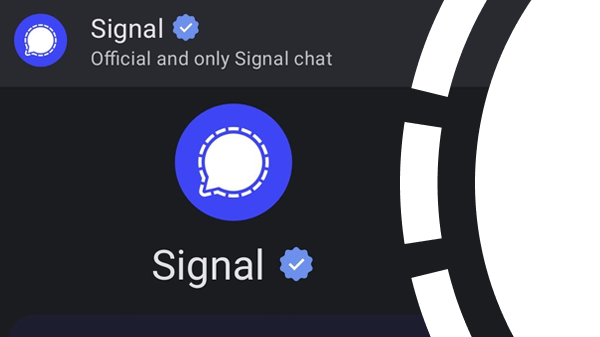
You can identify Signal’s only official chat by the badge with the blue checkmark next to the name and in the chat header. Be aware: if you see another chat with a name like “Signal”, “Signal Support” or “Signal Security”, it is fake and likely a phishing attempt or another form of fraud. Block and report that chat as spam immediately. Signal will never contact you through the app.
Here’s what the official and only Signal chat looks like on Signal for Android:
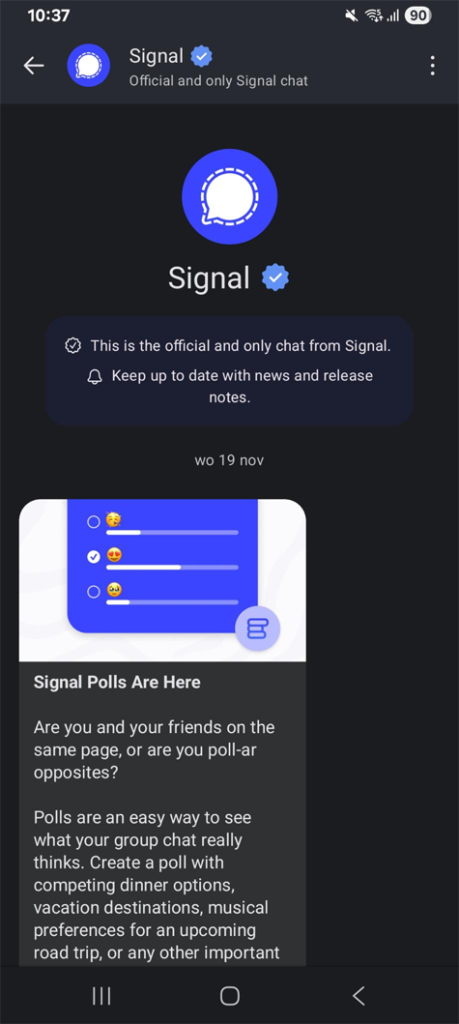
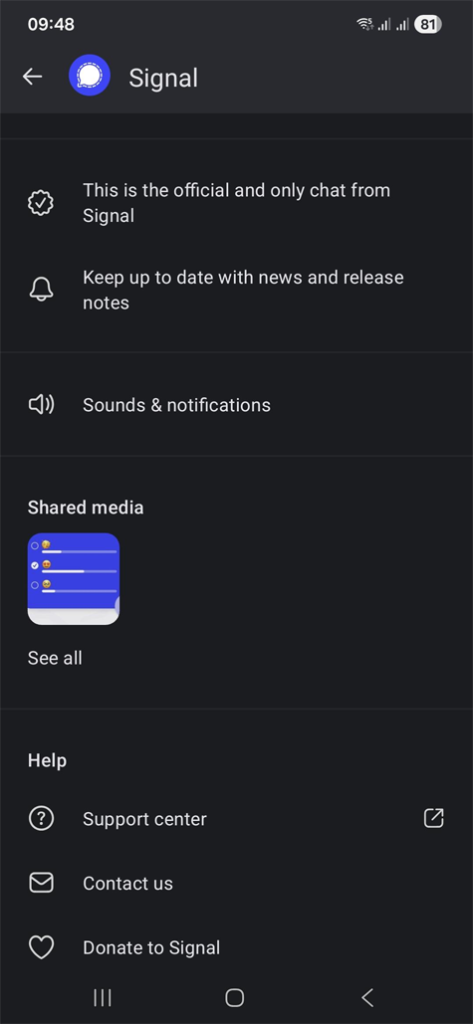
The chat is intended to introduce you to new features in Signal. From the chat settings, you can also access the support center, contact Signal, or make a donation.
Verfügbarkeit
Android users have already received messages from Signal through this channel. Since this year, the Release Note Channel is also available in Signal Desktop. It is not yet known when the chat channel will become available for iOS.
Informiert bleiben
Möchtest du die neuesten Signal Neuigkeiten, Tipps und Updates erhalten? Folge uns auf Bluesky, Mastodon und X.