Signal Desktop has a new beta version: 7.82. What’s new in this update?
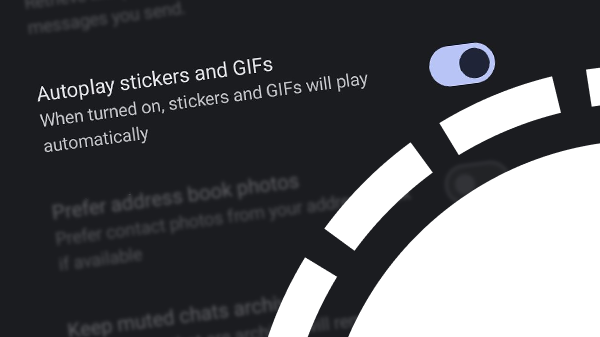
This latest version of Signal Desktop includes several bug fixes and other technical improvements. Some enhancements have been made to the recently updated media overview.
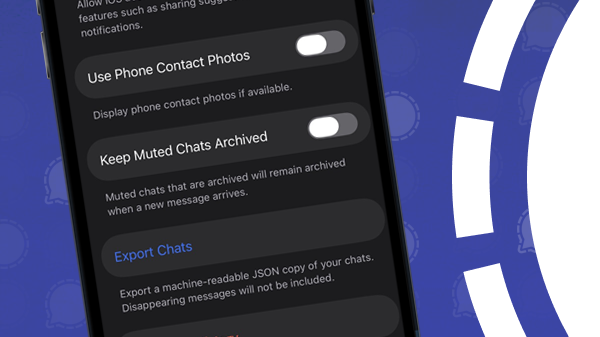
Chat history export, local backups
The biggest news is that Signal is working on local backups and a feature that allows you to export your chat history in a machine-readable JSON file. These new backup features have been in the pipeline for some time, and the first signs of them are now visible in the Signal Desktop source code (Commit c4378d9). As soon as more information about these features becomes available, you’ll of course read about it on our website.
Update 04/02/2026: For users with Android as the primary device, local desktop backups are now available.
Pinned messages
Just like Signal for iOS and Android, Signal Desktop has also been working on Pinned Messages. Signal previously confirmed that pinned messages are being developed for all platforms.
A pinned message will be displayed at the top of a chat for a certain period of time for all participants. With this feature, you can prevent important messages from getting lost among other messages. This is useful, for example, for announcements, appointments, or group rules that all members need to see.
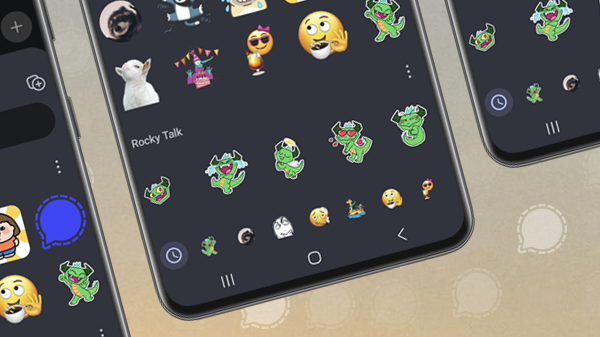
Pinned messages will be available in 1:1 chats and in groups. As it currently appears, it will be possible to pin all types of messages: photos, videos, stickers, voice messages, GIFs, and view-once media.
It is not yet known when Pinned messages will be available in Signal.
Update 01/22/2026: Signal introduces Pinned messages
Linux expansion with AppImage
The developers have also been working on broader support for Linux. Currently, Signal only supports Debian-based Linux versions, but soon all Linux distributions will be supported. Read more in our article: Major expansion of Signal for Linux, announces AppImage.
Update 06/23/2026: Signal AppImage now officially available for Linux
Stay Informed
Want to stay up to date with the latest Signal news, tips, and updates? Follow us on Bluesky or Mastodon.