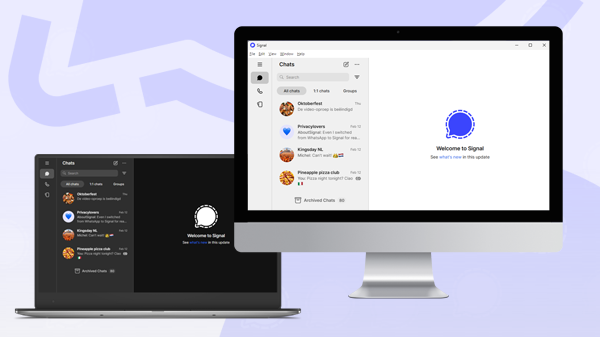
A standalone version of Signal Desktop that doesn’t require a smartphone is one step closer to release. Alpha testers can now try Signal Desktop as a standalone app, without linking it to a smartphone. The alpha version is not publicly available, and it may still take some time before it becomes available to the public.
Bisher hat Signal Desktop has always functioned as a linked device that depends on a smartphone for the initial setup and managing of several options. This is set to change.
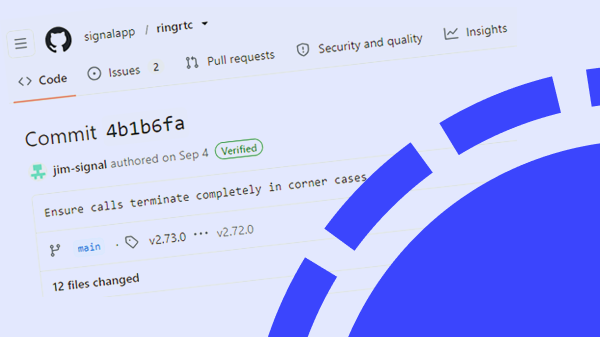
In April 2026, we reported that Signal was working on a standalone registration process for its desktop application. At the time, we found evidence in several GitHub commits, including improvements to the registration flow and account deletion process.
Since then, Signal Desktop has gained additional settings, screens and various design improvements, bringing the app closer to the mobile versions of Signal.
Now, development has reached another milestone: the standalone version has been enabled for alpha testers, as revealed by a recent GitHub commit (62bec10).
Eigenständige Desktop-App
According to the source code, after installing Signal Desktop, users will see two options on the welcome screen: a prominent button to link their account and a “More options” button. This suggests that Signal expects most people to continue using Signal Desktop as a linked device.
The first option under “More options” is to create a new Signal account using a phone number. There is currently no second option, but it’s expcted that this will be Signal Login. Signal Login allows users to register without a phone number. The feature was recently released for Android and is still under development for iOS.
Since Signal Login is brand new and developing Signal Desktop as a standalone app requires a huge amount of work, it’s possible that the initial release will still require a phone number. However, this doesn’t have to be a number associated with a smartphone. Any phone number that can receive an SMS or a phone call should work, including landline numbers and numbers used with basic phones or dumb phones. This will make Signal accessible to users without a smartphone.
After entering a phone number and potentially completing a CAPTCHA, you’ll receive a verification code and can set up your profile just as you would when registering on a smartphone.
Once that’s done, you’re all set to use Signal Desktop for secure messaging with your friends, family, and colleagues.
Verfügbarkeit
The standalone version of Signal Desktop is now available to alpha testers, but the alpha version is not publicly available. It’s not known when it will become available to beta testers and the general public, but its availability to alpha testers is a sign of progress and suggests that a wider release is getting closer.
As soon as there is more news, you will find it on our website and social media channels.
Informiert bleiben
Möchtest du die neuesten Signal Neuigkeiten, Tipps und Updates erhalten? Folge uns auf Bluesky oder auf Mastodon.