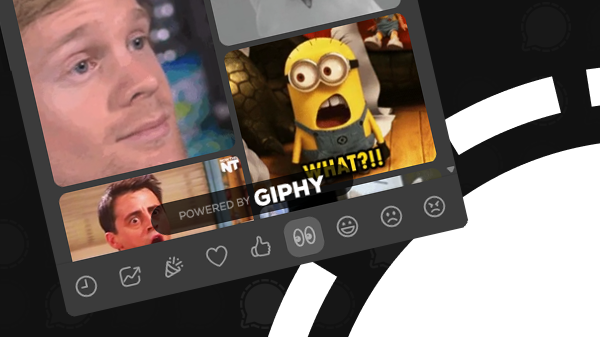
Signal Desktop will soon use GIPHY to search for GIFs, aligning the desktop app with Signal’s mobile apps for Android and iOS.
This is evident from the source code of Signal Desktop (GitHub Commit 12ae3f4).
Until now, Signal Desktop used Tenor’s GIF library, but Google will soon discontinue the Tenor API for GIFs in third-party apps. As a result, Signal is switching to GIPHY, making GIF searches consistent with the Android and iOS apps.
Using the same library makes it much easier to find your favorite GIF.
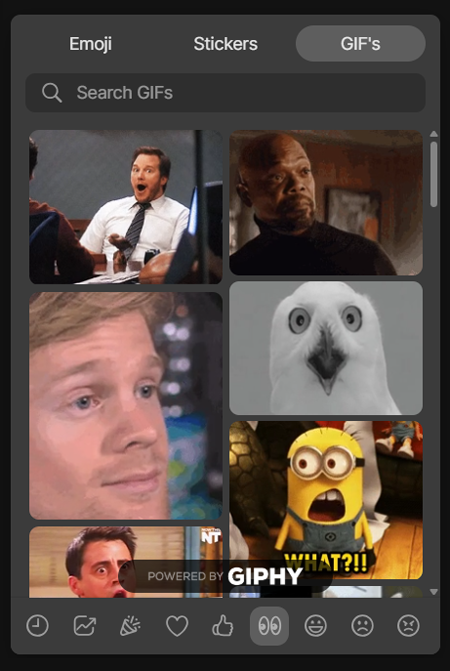
The update is included in Signal Desktop beta version 7.88 and will be available to all users soon.
Searching for GIFs via Signal, private and secure
Searching for GIFs via Signal is completely private. In most other apps, GIF search can pose a privacy risk, as external GIF services often record the IP address, search terms, and context such as the app being used.
Signal mitigates this risk by acting as an intermediary for a tunneled TLS connection, so the GIF provider sees what is being searched but not who the user is, while Signal sees that a search is taking place but not the search term itself.
Although for many users knowing what GIFs you search for may seem trivial, it can reveal personal interests, moods, or sensitive information, making it a meaningful privacy concern for some.
Stay Informed
Want to stay up to date with the latest Signal news, tips, and updates? Follow us on Bluesky or Mastodon.