Signal Desktop has a new beta version: 7.86. What’s new in this update?
This latest version of Signal Desktop includes several bug fixes and other technical improvements.
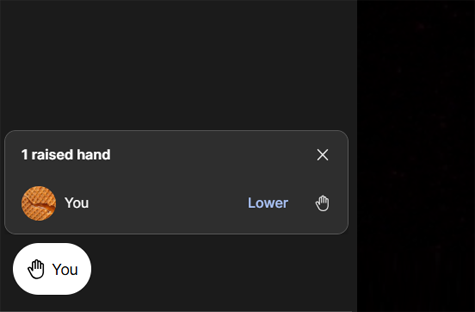
In calls, a bug was fixed where the raised hand icon remained visible even though no one had their hand raised. This occurred when someone quickly raised and lowered their hand.
Sort media by file size
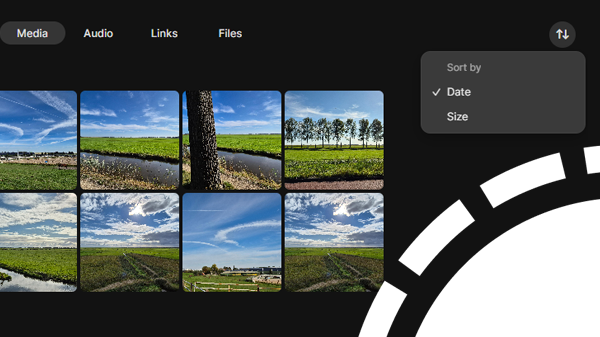
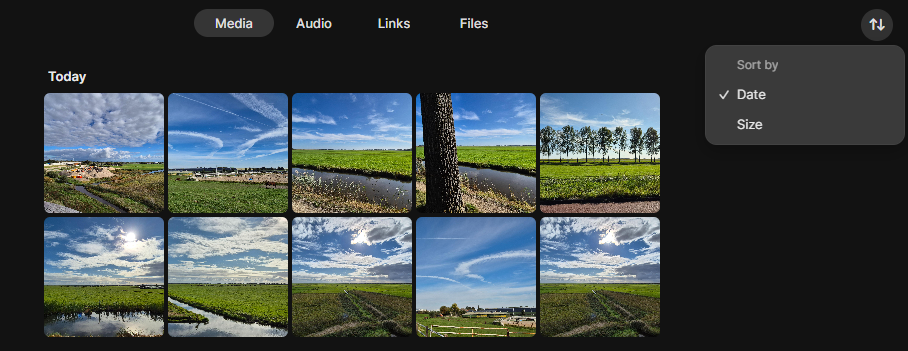
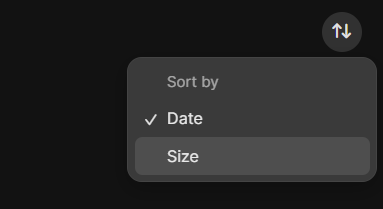
A new feature in Signal Desktop is that you can now also sort your exchanged media and documents by file size.
In chats and groups, a sort icon has been added in the top-right corner of the screen with all media. So, you can now choose to sort your media by date or by size:
Pinned messages
Just like Signal for iOS and Android, Signal Desktop has also been working on Pinned Messages.
A pinned message will be displayed at the top of a chat for a certain period of time for all participants. With this feature, you can prevent important messages from getting lost among other messages. This is useful, for example, for announcements, appointments, or group rules that all members need to see.
It is not yet known when Pinned messages will be available in Signal, but we expect it to be soon.
Update 01/22/2026: Signal introduces Pinned messages
Stay Informed
Want to stay up to date with the latest Signal news, tips, and updates? Follow us on Bluesky or Mastodon.