Signal Desktop is now available to Windows users via the Microsoft Store. Of course, Signal Desktop can also still be downloaded from Signal’s official website.
Signal Desktop is the desktop application of Signal, which you can link to your phone. To use Signal Desktop, you need an active Signal account on Android or iOS. Once linked, your chats are synchronized, allowing you to securely chat, make calls, and video call from your computer or laptop as well.
Until now, Signal Desktop could only be downloaded via Signal’s official website. From now on, Windows users can also easily install the app via the Microsoft Store on their PC or through the Microsoft Store online.
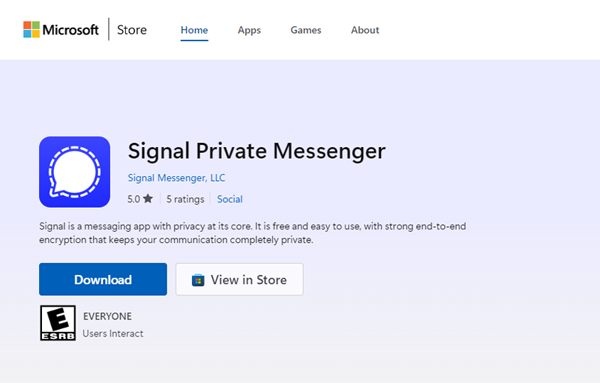
With this expansion, Signal improves the distribution of its app, making it accessible to a wider audience.
Many new features and more to come
Signal Desktop has recently received several useful improvements, such as chat folders and notification profiles, allowing you to better personalize the desktop app. With chat folders, you can more easily find your chats by organizing them into folders, and with notification profiles, you can decide how, when, and from whom you receive notifications.
It is also now possible to export your chat history in a machine-readable JSON file (via Settings > Chats > Export chat history), and you can pin important messages in chats and groups.
Even more new features are coming in the near future. Signal is working on local backups for Signal Desktop, which you can securely store yourself, for example on your computer, an external hard drive, or secure cloud storage. In addition, sending view-once photos and videos will soon be possible from the desktop app.
Don’t use Signal Desktop yet? In addition to Windows, Signal Desktop is also available for Linux and macOS. Download Signal Desktop via Signal’s official website or, for Windows users, via the Microsoft Store.
Stay Informed
Want to stay up to date with the latest Signal news, tips, and updates? Follow us on Bluesky or Mastodon.