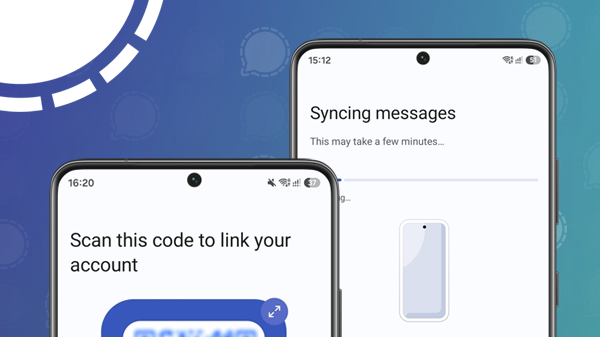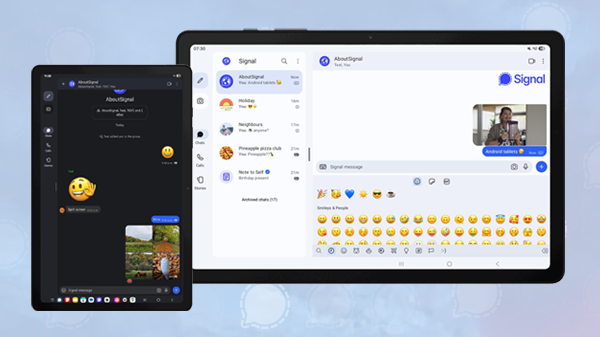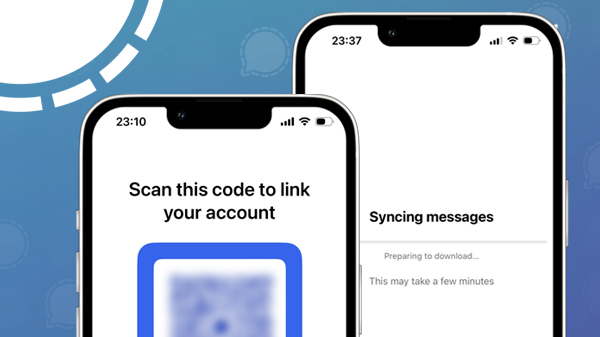
With the latest beta, Signal users can now link an iPhone to their existing Signal account on another device, such as a primary iPhone or an Android phone.
Das ist besonders praktisch für Nutzer*innen, die mehrere Smartphones verwenden, etwa ein privates und ein berufliches Gerät. So können sie dasselbe Signal-Konto auf beiden Geräten nutzen und ihre Chats bleiben automatisch synchronisiert.
Two weeks ago we found the erste Hinweise auf die Unterstützung von Smartphones in the source code of Signal. Last week the feature was introduced on Android, and now it’s becoming available for iPhone too.
The new functionality allows users to use their Signal account on an additional iPhone, without registering a separate phone number. The linked iPhone synchronizes chats and messages with the primary device, allowing users to access their conversations from multiple phones.
How to set up an iPhone as a linked device?
As mentioned, the feature is currently in beta. Once it becomes available to everyone through Apple’s App Store, follow the steps below:
First, install Signal from the Apple App Store on the iPhone you want to link. On the welcome screen, tap Continue and allow or deny permissions for notifications and contacts.
On the next screen, you can register your iPhone as a standalone device by entering and verifying your phone number, or you can tap the three-dot menu and select Link device.
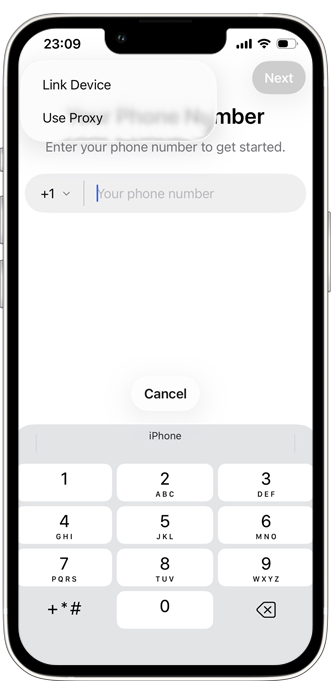
If you choose to link your iPhone to another primary device you’ll be presented with a QR code. Open Signal on your primary device, go to Settings > Linked devices > Link new device, and scan the QR code displayed on the iPhone you want to link to your existing account:
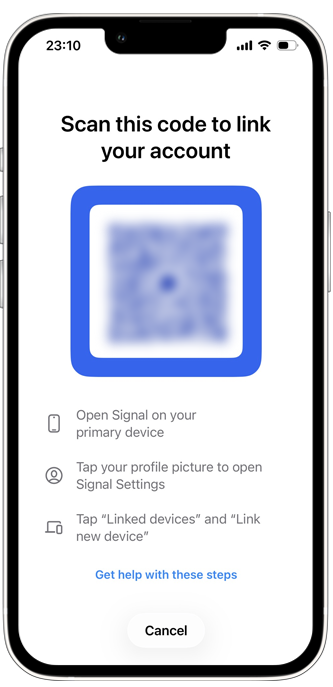
In Signal on your primary phone, you can choose whether to link the device with or without transferring your message history. We choose to transfer our message history. Signal will then link the device and your messages will be synced. This may take a few minutes.
As with everything in Signal, your messages and chat information are protected by end-to-end encryption, including the syncing process.
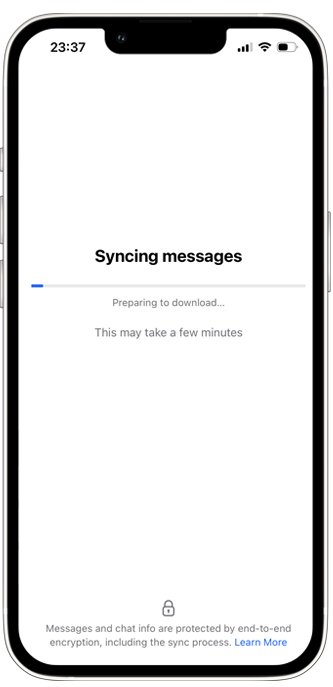
Nach Abschluss der Einrichtung ist Signal erfolgreich als verknüpftes Gerät eingerichtet. Deine Chats und Nachrichten werden nun automatisch zwischen deinen Geräten synchronisiert.
Verfügbarkeit
Signal’s support for linked iPhones is now available in Signal for iPhone beta version 8.22. After the beta testing period, it will roll out to all users through App Store.
Informiert bleiben
Möchtest du die neuesten Signal Neuigkeiten, Tipps und Updates erhalten? Folge uns auf Bluesky oder bei Mastodon.