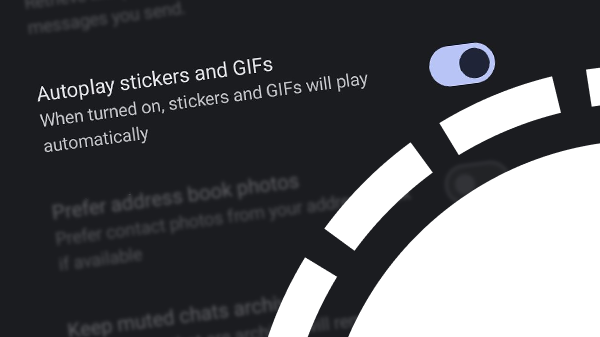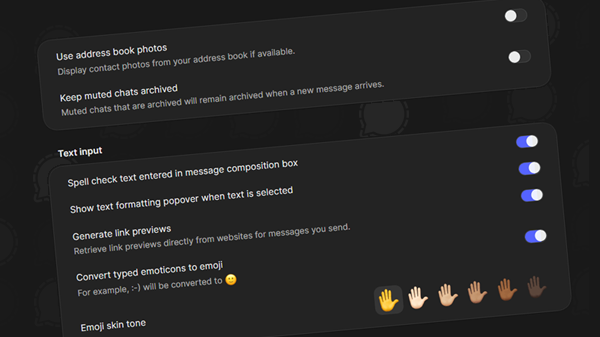
Signal Desktop has received a new Settings interface with a more modern look and feel.
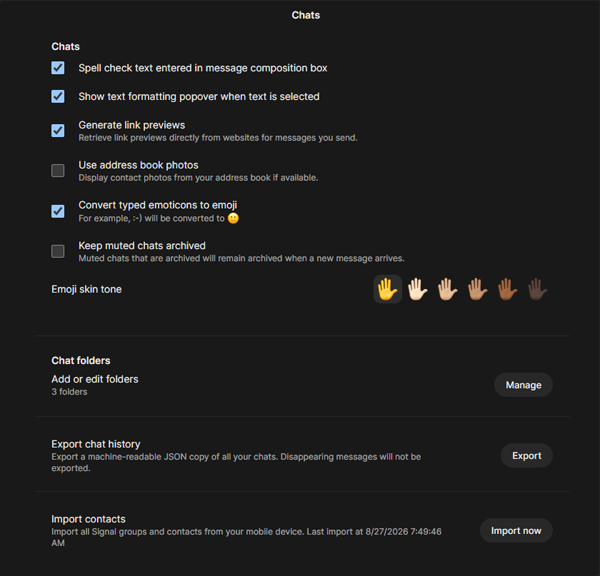
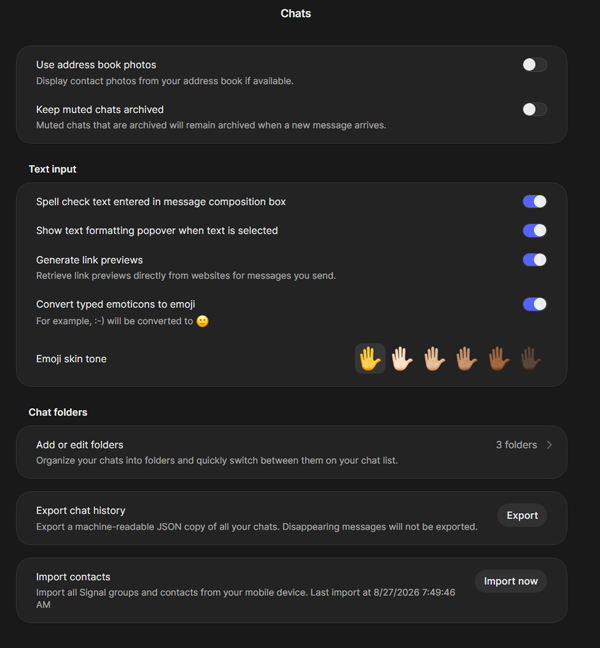
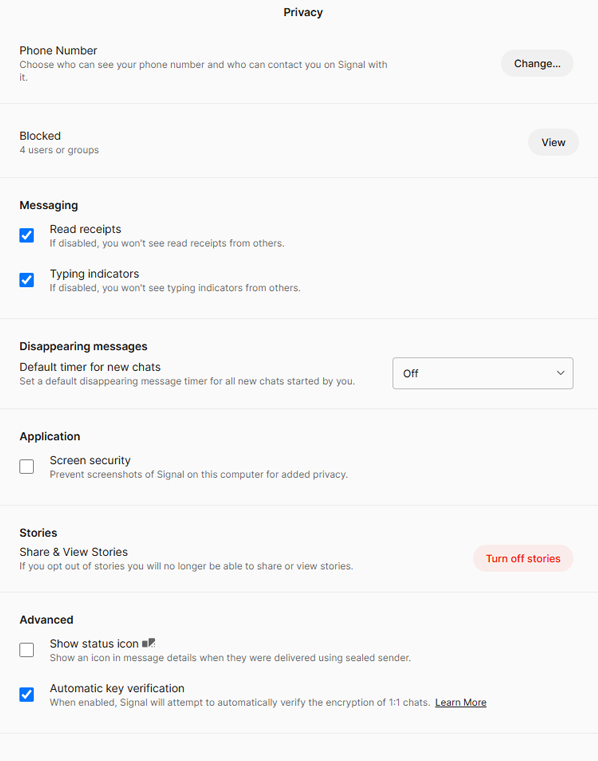
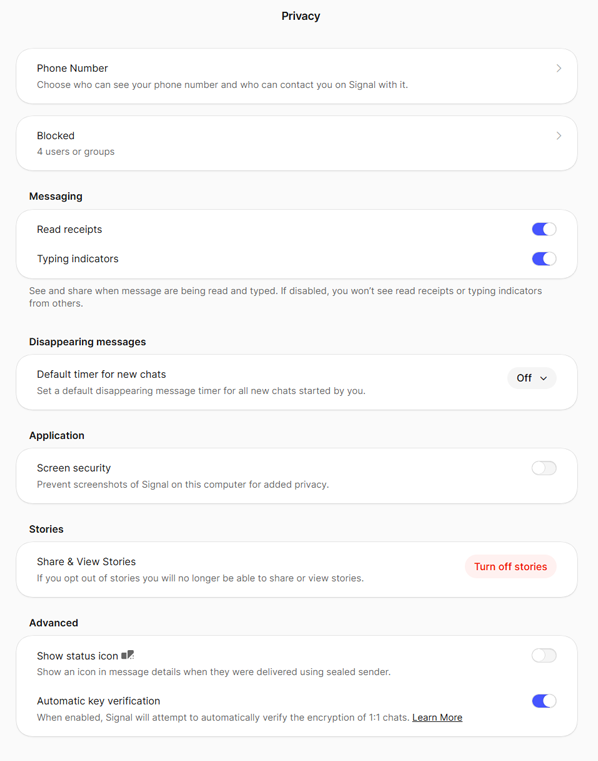
The traditional square checkboxes have been replaced by toggle switches, making options easier to recognize and interact with.
Some of the settings have also been reorganized into clearer subcategories. This new structure makes it easier to find specific options without having to search through the list of settings.
Below is a comparison showing the old and new settings interfaces in both dark and light themes:
Dark theme
Light theme
Availability
The new user interface is available in Signal Desktop beta 8.26 and will roll out to all users soon.
Stay Informed
Want to stay up to date with the latest Signal news, tips, and updates? Follow us on Bluesky or Mastodon.