Good news for Signal users on iOS: after Android and Desktop, Signal is now also working on bringing chat folders to its iPhone app.
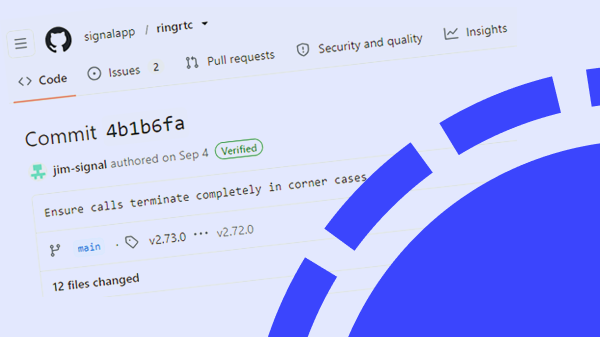
Multiple recent GitHub commits (7d7e533, 902e56d, 304ed05, 838a7fe, de8b288) show that the feature is actively being developed for iOS.
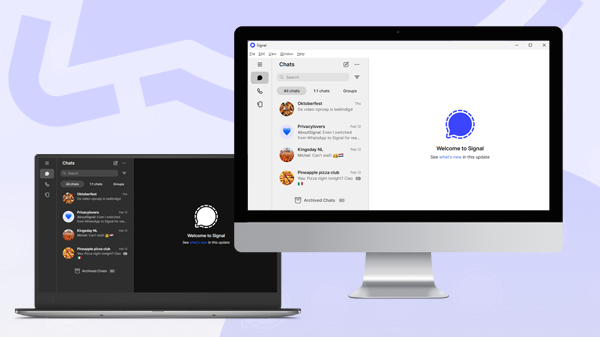
Chat folders allow you to organize your chat overview entirely to your own preference. You can sort by chat type (1:1 chats or groups), or create custom folders for different purposes. For example, you can have separate folders for friends and family, colleagues, or other important chats. This makes it easier to keep your chats organized and quickly find the conversations that matter most.
Users of Signal for Android and Signal Desktop have already been able to use chat folders for some time now. In this article, you can find screenshots of the Desktop version. Based on the code, it looks like the iOS version will work in much the same way.
Chat folders in Signal for iOS are still in development, and as soon as they become available, you’ll read about it on our website and social media.
Stay Informed
Want to stay up to date with the latest Signal news, tips, and updates? Follow us on Bluesky or Mastodon.