

Signal Outages
Live status Signal
Source: status.signal.org
Troubleshooting Signal issues
Is Signal down?
While we do our best to post as soon as there is an outage, as an unofficial, community-driven website, we don’t monitor the service 24/7. That’s why we provide tips on what you can try if your Signal app isn’t working. If no outage is currently reported above (yet), you can check a few things yourself to determine whether there are broader issues with Signal or if it’s likely an individual issue.
Fortunately, Signal has an excellent uptime record and outages are rare. When outages do occur, they can take various forms. For example, it may be an issue limited to multimedia, or a problem with the verification process. Most major outages, however, are total outage, where the entire service is down.
If all your newly sent messages keep showing a spinning  circle and no checkmarks appear, there may be a server outage. If your messages show one checkmark, something else is usually going on. For example your contact may have a poor internet connection or their safety number may have changed.
A spinning circle doesn’t necessarily mean there is an outage. For Signal to work properly, a stable internet connection is required. This is often where the problem lies.
A few things you can check
- Check if you have a strong internet connection. Try loading another website or app
- If you’re having issues with Signal on your phone, check whether your linked desktop device works (if you have one set up). If you’re experiencing issues on desktop, try Signal on your phone instead.
- Restart your internet connection by toggling airplane mode or your network connection on and off
- Restart your phone
- Try connecting to Signal via Wi-Fi if you’re on mobile data (or switch to mobile data if you’re on Wi-Fi)
- Turn Signal’s permissions off and then back on in your phone’s settings
- If you’re using a VPN or firewall that restricts Signal’s internet access, disable it or adjust the settings so Signal is no longer restricted
- Have you just sent a large attachment in a chat? Delete the message if it’s still stuck on “sending“
- Complete any CAPTCHAs that may appear.
If the tips above don’t solve your Signal issues, there’s a higher chance that there is an outage. It’s also possible that a specific provider is experiencing issues with a certain service, such as your mobile carrier.
No outage reported?
If there is -likely- no outage with Signal but you’re still experiencing problems sending or receiving messages, you can check whether you’re using the latest version of Signal. If that doesn’t help, you may find an answer on Signal’s Support center. And of course, if the issues persist, you can also contact Signal directly (opens Signal.org).
Follow us for Signal News & Tips



Latest news.
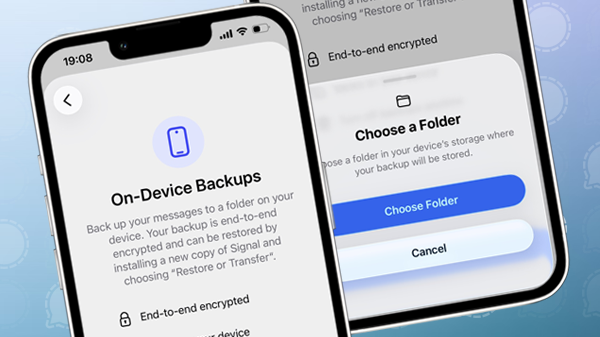
Signal brings on-device backups for iPhone and iPad to beta
With support for local backups, Signal now offers multiple backup options on iOS.
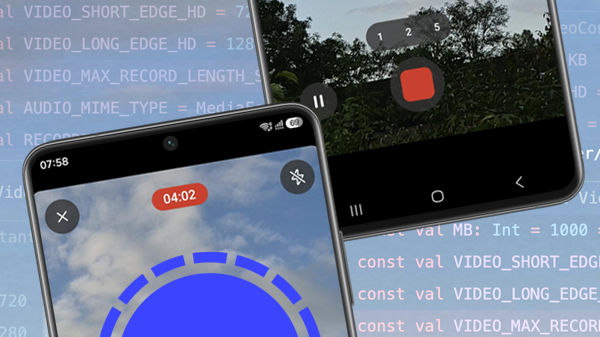
Signal now lets you record much longer videos in the app
Signal has increased the maximum length of in-app video recordings.

Signal makes iPhone-to-iPhone account transfers much faster with Wi-Fi Aware
Signal now uses Wi-Fi Aware for faster and more reliable device transfers.